Pinceles de Photoshop de neón brillante
Descripción Corta:
Glowing Neon Photoshop Brushes
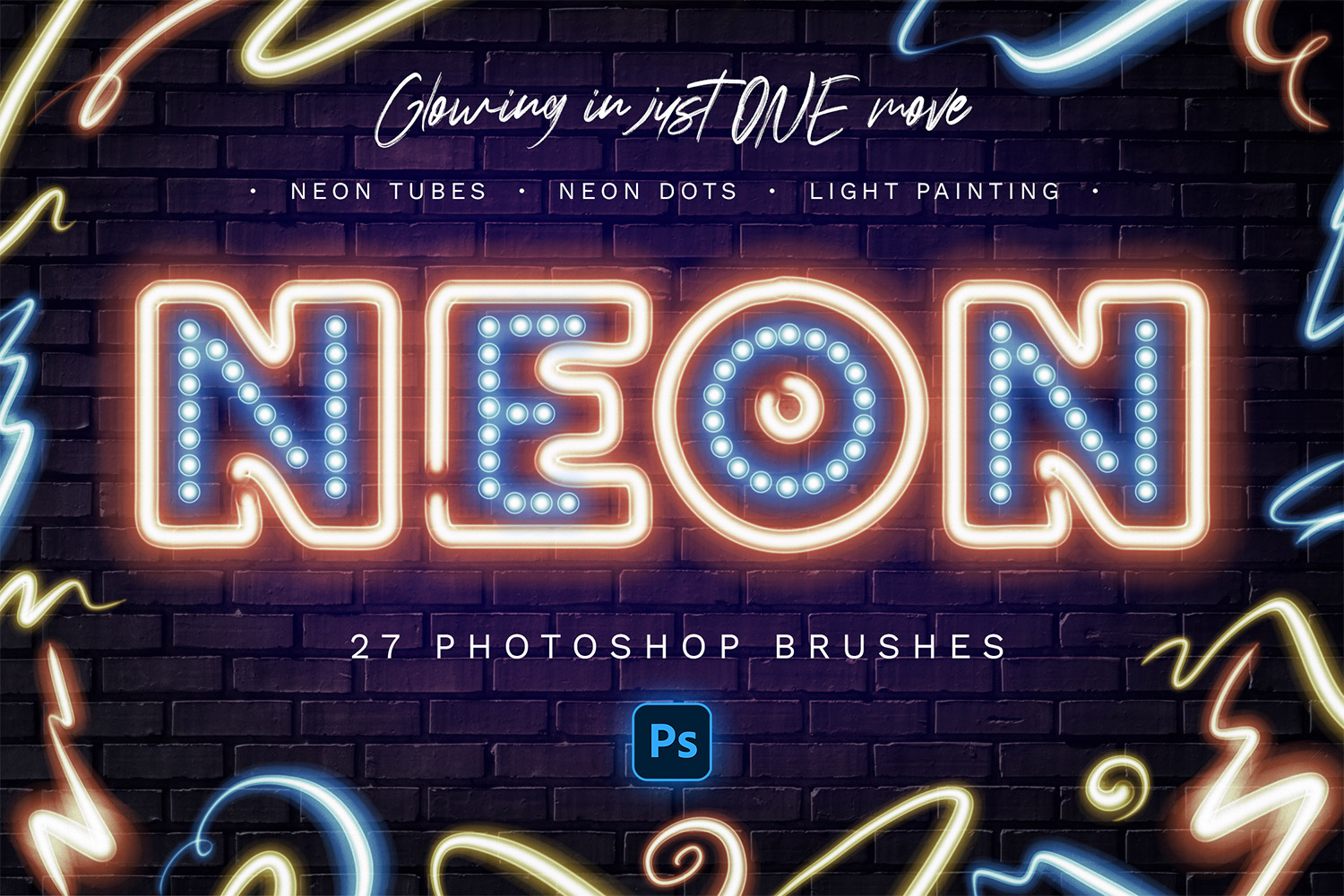
Really glowing neon in just one move! Neon tubes, light painting, neon dots, pen pressure sensitive light pen. Use special layer style included to get realistic glowing. Use special swatches to get realistic neon colors.
This is just magic!
You can draw with a pen to get shining neon lines. It's so easy - one move and glowing neon tube is ready! Also you can use 'Stroke Path' function or draw with a mouse.
Brushes, layer style and swatches
Use all 3 files to get neon effect easily! Special colors for realistic look, special neon style for glowing.
27 Brushes in Total:
- 9 Neon Tubes
- 1 Dot Brush
- 6 Multiline Brushes
- 3 Glow Brushes
- 5 Neon + Pen Pressure
- 3 Light Painting Brushes
Using this set is the fastest way to get neon signs, neon art, add neon elements to your design.
What you get:
- .ABR file - 27 brushes
- .ASL file - special layer style for make neon glowing
- .ACO file - color swatches
- .JPG examples
- .PSD template for easy start
Color: black, white, brown,tags: neon brush, neon photoshop brush, shining neon brush, glowing neon brush,
Tema: Design, Design & Photography,
-
Gratis 24/7
Equipo de Soporte -
Soluciones
Desde el Cero -
Calidad
Premium -
1 200 000+
Clientes Satisfechos
| Plantilla # | 278470 |
| Tipo: | Illustrations |
| Autor: | Sko4 |
| Descargas: | 0 |
| Plantilla # | 278470 |
| Tipo: | Illustrations |
| Autor: | Sko4 |
| Descargas: | 0 |