Piel - Pinceles de Photoshop fáciles de usar
Descripción Corta:
Fur Photoshop Brushes
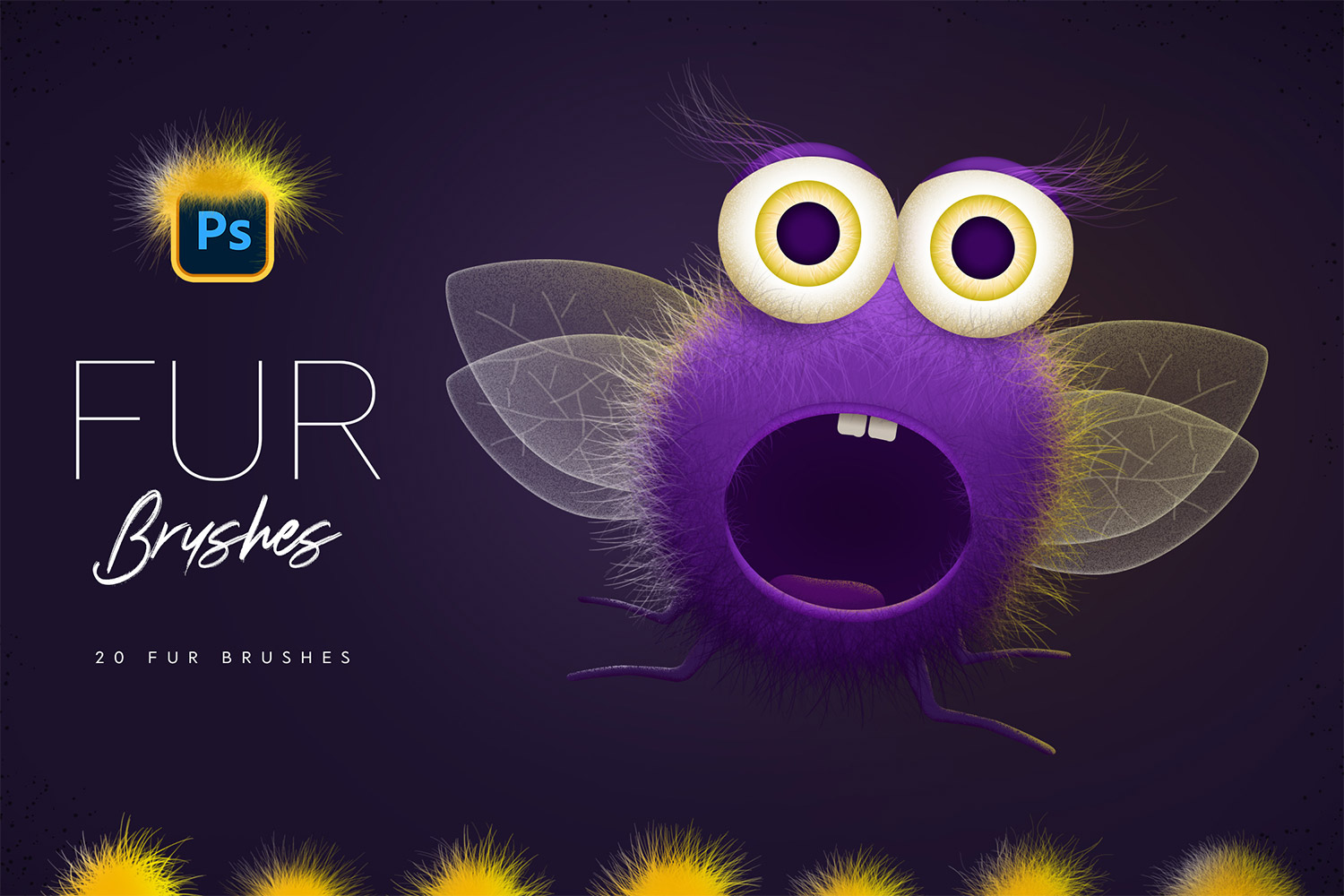
Get 20 brushes for Photoshop drawing. It is easy to paint a variety of fur - long or short, thick or thin. You can use brushes with pen, or mouse. Also you can create a path and use 'Stroke Path' function. Get cool fluffy effect easily!
Features:
- 20 Photoshop Brushes
- Different Fur Effects
- Easy to Paint
- Easy to Customize
How to install:
- Download the file on your PC or MAC
- Double Click on "Fur_Brushes_[by_Sko4].abr" or drag and drop .ABR file into your Photoshop
- Photoshop will automatically install all the brushes and they will appear in your brush list. Press F5 to customize brush settings.
Color: black, brown,tags: photoshop, photoshop brushes, photoshop brush, fur photoshop, fur brush, basic brushes,
Tema: Design, Design & Photography,
-
Gratis 24/7
Equipo de Soporte -
Soluciones
Desde el Cero -
Calidad
Premium -
1 200 000+
Clientes Satisfechos
| Plantilla # | 278469 |
| Tipo: | Illustrations |
| Autor: | Sko4 |
| Descargas: | 0 |
€10
€9
Comprar
| Plantilla # | 278469 |
| Tipo: | Illustrations |
| Autor: | Sko4 |
| Descargas: | 0 |